Showing posts with label systems. Show all posts
Showing posts with label systems. Show all posts
Friday, March 17, 2017
Sage 100 Cloud Systems
Sage 100 Cloud Systems
Get More From The Sage Software You Already Own???
 |
| www.TekoaERP.com |
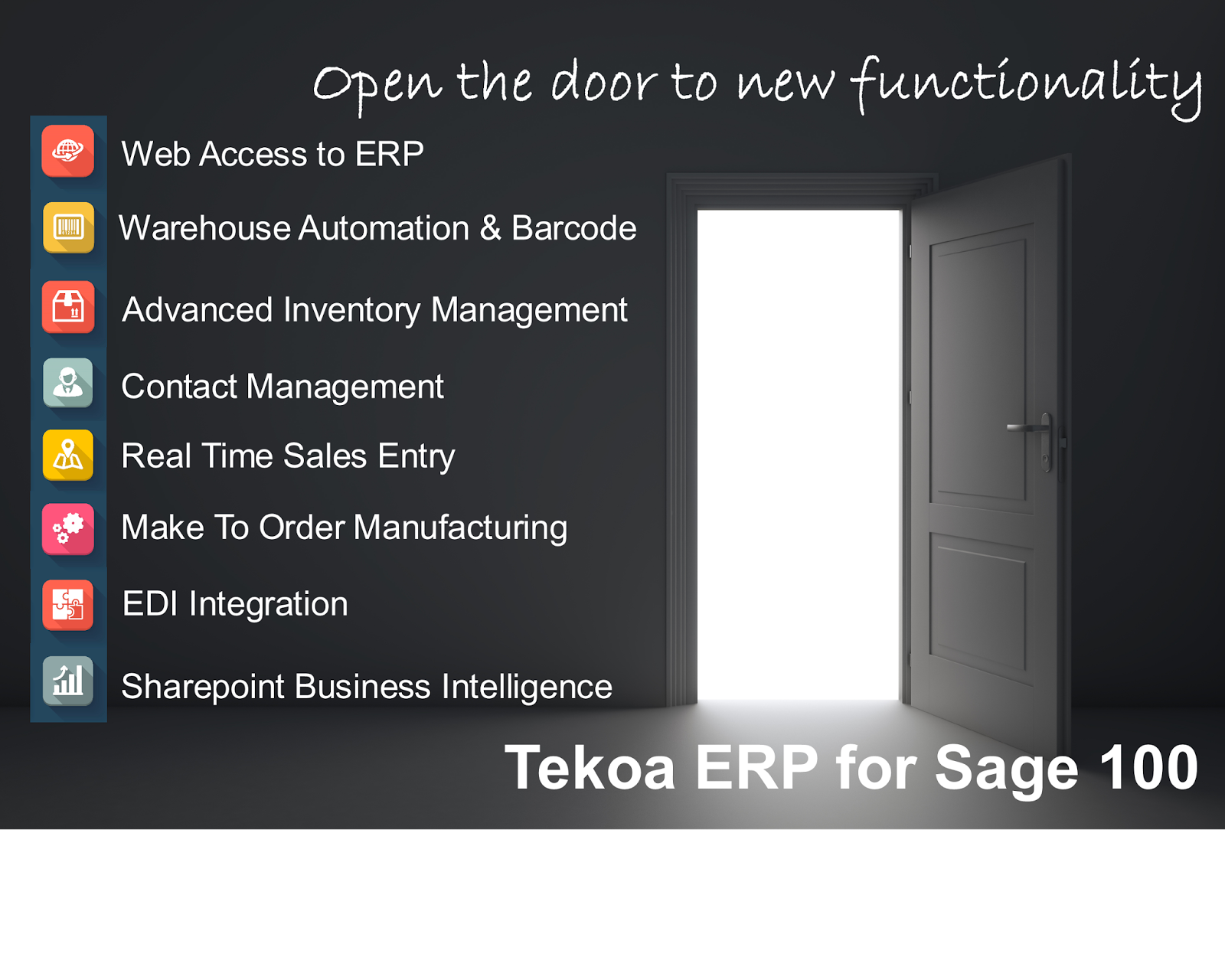
As the pundits opine about whether or not Cloud Technology is relevant to businesses using ERP applications like Sage 100 MAS90, many small and midsize businesses are moving into Cloud Services for Sage 100 MAS90 and are a step ahead of their competition in leveraging cloud technology for better overall business performance. You can argue about the semantics, but the reality is that companies that are moving in the direction of the cloud are experiencing more benefits and growth than the businesses that are staying behind. Here are some of the things that Sage 100 MAS90 users leveraging Cloud Technology are experiencing.
1. Growth Flexibility - Cloud for Sage 100 MAS90 means the technology that supports your operations can more easily contract and expand as resources are needed. In the Cloud for Sage 100 MAS90, the business is not confined by either the limitations of the in-house network or capital output necessary to add new resources. Scale up or scale down, easier.
2. Build Relationships - Cloud for Sage 100 MAS90 from providers like TekoaSoftware enable your organization to build data relationships with other organizations for the secure transfer of information, making operations more efficient and accurate. In days past, ERP experts would talk about the benefits of barcode solutions as a way to speed up operations and increase the accuracy of the data being input to Sage 100 MAS90. In the Cloud for MAS90 arena, this principle applies in a more global context where now Sage 100 MAS90 owners can automate the exchange of Sales Orders, Purchase Orders, Receipts, Shipments, Transfers, etc. with other people, systems or devices that communicate directly with Sage 100 MAS90 instead of having to manually manage and input that information to the ERP. The efficiencies and accuracy gained is a big competitive advantage to companies that employ the technology.
3. Better Productivity Tools - Let me tell you a secret, there are better and more powerful reporting, data inquiry and management tools that work with Sage 100 MAS90 out there that are cheaper than the official Sage branded solutions. In many cases, these tools are bigger and more well known than their Sage branded brethren. For example, Microsoft Reporting Services is a very powerful report and data inquiry tool that can work seamlessly with Sage 100 MAS90 and give your businesses best-in-class reporting and excel integration - for much less than the Sage branded solutions. Another one is mobile barcode scanning solutions. There are many very capable warehouse management solutions that work with Sage 100 MAS90 that are better and less expensive than the Sage branded solutions heavily marketed to the Sage end users.
The bottom line is the companies that are willing to be leaders in their industry have the opportunity now to get into Cloud technology for Sage 100 ERP MAS90 and leverage the benefits for more competitive advantage, efficiency and productivity. Are you a leader in your industry? Or a trend follower that gets perpetually duped by marketing campaigns?
Available link for download

Tuesday, March 7, 2017
Three Gains and Challenges of Cloud ERP Systems
Three Gains and Challenges of Cloud ERP Systems
3 Gains and 3 Challenges from Using the Cloud in Organizations
Reflections on Implementing Cloud Technology for your ERP System.
By: Kevin Son |
| www.TekoaERP.com |
The number of organizations trying to streamline their business operations through cloud computing is on the rise. Employing Cloud Technology for ERP systems is one way of supporting business processes by employing Internet-based services. Basically, what they want to do is move their business functions from on-site servers to the Internet.
3 Broad Categories of Cloud Computing
It is beneficial to understand three basic categories of cloud computing, prior to learning about what can be good and bad about putting your ERP system in the cloud.
Infrastructure-as-a-service
Instead of businesses buying all the servers, software, data space, and network supplies, all these services are provided by the vendor. In addition, the vendor just charges users based on how much resource they use.Platform-as-a-service
The vendor not only provides but also manages the operating system, database, and all others things necessitated to run certain platforms.Software-as-a-service
Rather than having to buy a software license, the vendor runs the software application for all users. Additionally, the software is constantly updated.It is critical that business owners weigh all the possible advantages and disadvantages of using the “cloud,” for an ERP system, and make the decision that is best for their business.
Below are some of the pros and cons of ERP cloud computing.
3 Gains
Reduced Cost
Cloud computing is helpful in reducing paperwork, lowering transaction costs, and minimizing the investment in hardware and all the resources to manage it. Moreover, some ERP cloud service providers offer small and mid-size organizations access to more sophisticated technology at reduced prices.
By employing the cloud service, businesses can also reduce the need for information technology workers. And sharing IT resources with other businesses reduces the costs of purchasing servers and licensing software.
Enough Space
In the cloud, there is unlimited space for businesses to use. Some cloud computing services ask businesses to only pay for the amount of resources they use. Business owners can later add more server space whenever they want to, as their business expands for example.
Easier Communication and Collaboration
Just as the name implies, it is much easier with cloud computing to collaborate with employees not only in different departments in the same location but also in distant locations, as services in the cloud can be accessed anytime from any computer.
3 Challenges
Temporary Unavailability
Most ERP Cloud providers offer contracted network availability. Just as in on premises systems, networks need maintenance and may be brought off line to apply updates, service packs and new tools. When contacting your ERP Cloud provider ask about network availability.
Ownership
Recently new challenges have risen surrounding the ownership of data residing inside cloud systems. To ensure you retain ownership of the data stored in the cloud, ask your ERP cloud provider about access to the data and how it can be retrieved if you terminate services. Tekoa Software does not take ownership of data and provides administrators access to live and backup data. However offerings from sites like SalesForce.com have raised questions about data ownership.
Privacy and Security
Make sure your company data will remain private and secured. Tekoa Software ensures maximum security and privacy for your business data, including options for data encryption. With multiple physical and digital security measures in place, Tekoa Software offers state of the art certified security that ensures todays cloud enabled enterprise that their data is secured and private.
By: Kevin Son
Kevin is an educated business process and Sage ERP 100 trained professional at Whitworth University.
For more information about Cloud ERP systems for your enterprise, visit, www.TekoaSoftware.com .
Available link for download
Tuesday, February 7, 2017
Big Data Enterprise Information Systems
Big Data Enterprise Information Systems
Essentials of Enterprise Information Systems and Big Data
In the business world you are sure to come across great influxes of information that can seem almost daunting to concur because there is so much to sift through and organize. Some of the most prevalent information that can become alarming is the kind that relates to customers, orders, and receiving payments, and without a structured data system it may be easy to lose track of this valuable information. There are methods to help wheel in the information you have and manipulate into an organized and easy arrangement, which are called enterprise information systems.
Enterprise information systems are not as complex as they sound but are extremely beneficial to a business and its transactions because it takes all of the “guessing” work out of organizing important information and correlating it to relevance in specific situations. The systems work by a process of “flows”, each one helping further classify information and depict its significance for the entity.
- In this article we will explore the four types of flows that help categorize and regulate information within an enterprise information system.
Big Data and the Physical Flow of Business
The first flow of the process is called the physical flow and it represents the physical activities that are involved with the business transaction taking place, including information such as dates, locations, quantities, and addresses. This flow is important because it is the initial nesting ground for information to come into an entity and continually be sifted through until it finds its ending home. The information that feeds through this flow is often modified and changed in order to adapt to demands, an example of a change of information that would affect the physical flow aspect of the systems process would be the changing of an order shipment address to a new location.
Big Data and Document Flow
From the physical flow the information gathered is sorted and distributed into the categories of data and document flow. These flows deal with the actual data and documents that are required to complete transactions an entity obtains, and they take the job of the physical flow a step further. Big Data and document flows retrieve the information an entity needs in order to track its services, this information includes purchase orders, invoices, and account numbers. This flow is a vital component of the overall systems process because it is updated to show the completion of the steps associated with a transaction for the entity. Documents accompany a transaction each step of the way from the beginning purchase order to the final billing notice and it is critical to have this information as up to date as possible and accessible in order to account for changes or modifications within the transaction process that may occur.
Keeping Big Data Information Flowing
The final flow that is connected to an enterprise information system is the information flow. In this flow all of the information that is accumulated in the physical, data, and document flows is routed and correlated to become meaningful and useful in all aspects of the process. The information gathered is stored so that it can be used, manipulated, adjusted, or any other form of modification by the entity. Some examples of what information from this flow is used for are sales reports, production reports, and summaries of customer orders that were fulfilled. This final destination is the home for all of the data within an entity that allows it to conduct services; it is the brain of the enterprise information system and gives it life to run effectively.
Real World Example
Currently in my place of work we have a system in place that tracks incoming student information. When a student inquires about a program there information is placed into a physical flow where any information we need in order to contact them is retrieved. As the student progresses through an acceptance to the program process their information runs into the data and document flows which allow us to gather personal information and documents, such as teaching certificates, transcripts, and recommendations. Finally, once a student has been accepted into a program their information is stored in an information flow component that allows any individual within the entity to access the students file and information; within this aspect the information can also be updated and modified.
Without a system like this in place at my place of work it would be impossible to track all of the information for inquiring students, and it would be very hard to keep track of changes made to their files, such as phone number or address changes. The fact that a student’s file is stored in its entirety within the system is also incredibly beneficial because it leaves very little room for human error.
Sum IT Up
Enterprise information systems are crucial in today’s business environment because not only do they help eliminate stress and error but they also provide a proficient and easy way to manage vital information for an entity. It is almost impossible to go into an establishment in today’s market that does not have some form of an enterprise information system in place. Knowledge of these systems is relevant because it gives one an understanding to the background of how the system works and what it is suppose to accomplish, it also is necessary to understand the system in order to know how to manipulate information within one if needed.
Author: Cecily Musso
Whitworth University School of Global Commerce & Management
Cecily is a valued contributor to the Tekoa Software information team and an trained professional in Enterprise Systems.
Available link for download
Subscribe to:
Posts (Atom)