Showing posts with label sage. Show all posts
Showing posts with label sage. Show all posts
Monday, March 20, 2017
Terminal Services and Sage ERP 100 MAS Explained
Terminal Services and Sage ERP 100 MAS Explained
Essential Insights Into Remote Desktop Terminal Services and Sage ERP 100 MAS90 MAS200.
By: Tekoa Software
Cloud Enable Your Enterprise
Sage ERP 100 MAS 90 and MAS 200 from Sage Software are two of the most widely used mid size business management and accounting applications in service today. Both MAS 90 (standard) and MAS 200 (advanced) share the same end-user capability and functionality. The primary difference between MAS 90 and MAS 200 is the back-end technology. MAS 200 is a client-server application which works more efficiently than MAS 90 on wide area networks and large user counts.
One method gaining popularity among business that own Sage ERP 100 MAS 90 and MAS 200 is the use of Terminal Services to host MAS. There are a number of benefits to using Remote Desktop Services for Sage ERP 100 MAS 90/200. Here is a list of some of the benefits:
1. Improved Security
Something your MAS consultant may not tell you is that Sage MAS 90 and MAS 200 require Full Access network security rights to not only the installation directory on the server, but often times the Program Files directory as well. Hosting MAS 200 on a Remote Desktop Terminal Server improves security because network administrators can limit the terminal session to only execute MAS, and then close the session when MAS is closed - therefore it is not a problem that the user has full control rights because the only software they can run in the terminal session is MAS itself. Using the MAS 200 client directly on the network without Terminal Services exposes your network to either malicious or silly employee errors.2. Remote Office Capability
Using Remote Desktop Terminal Services for Sage ERP 100 MAS 200 also makes connecting remote offices and at-home users much more efficient and capable. IT pros familiar with MAS know that even the "thin-client" install of MAS 200 is not very efficient over a wide area network. Even with Sages addition of a client server ODBC driver, the performance of the direct MAS 200 Client over a wide area network is not ideal and has frustrated many an end-user. Using Remote Desktop Terminal Server to host MAS 200 is the "no brainer" solution for connecting home offices and remote offices to a centralized MAS 200 installation.
3. Easier Upgrades
Instead of having to visit each workstation and upgrade the client application, the Remote Desktop implementation of Sage ERP 100 MAS makes upgrades easier because you only need to update 1 client installation - the one on the host server, then all users get the upgraded functionality and benefits at the same time, with only 1 client upgrade required.4. Flexibility
Expand and contract the amount of technical resources needed as your organization evolves and changes. No need to overbuild and overpay now so you can grow into the future. Get the amount of tech you need today and easily expand that capability down the road when more is needed.
5. Cost Benefits
Take the total number of dollars the business spent on Sage ERP 100 MAS support services and hardware infrastructure over the last year. Divide that number by twelve and come up with an estimated monthly cost for running an on premises Sage ERP 100 MAS system. Compare that number to the cost of a hosted Remote Desktop Terminal Server hosted solution and chances are very good that the benefits and costs will be attractive. Take the time to run some quick numbers and see if it is a good idea for your company.
Allan Snodgrass
Tekoa Software, Inc.
Allan is a Technology Solution Professional at Tekoa Software in Washington state. For more information about a Remote Desktop Terminal Server solution for your business, visit www.TekoaSoftware.com or call 888-811-2998. Connect the dots with Tekoa Software.
Available link for download

Sunday, March 19, 2017
Sales Order Integration for Sage 100 MAS90 MAS200
Sales Order Integration for Sage 100 MAS90 MAS200
Automatically integrate Sales Orders into your Sage 100 MAS90 MAS200.
 |
| www.TekoaERP.com |
The Advanced Feature Bundle for Sage 100.
Get advanced functionality for your Sage 100 ERP, like browser based Sales Order management, with the new Sage 100 enhancement from Tekoa.Seamlessly integrated with your Sage 100, perform ERP business process functions in a web browser and take the ERP software you already own to new levels. Tekoa ERP for Sage 100 is state of the art cloud service that makes your Sage 100 truly versatile.
The Advanced Features Bundle for Sage 100 includes:
- Mobile Warehouse Automation - Use barcodes and mobile devices to automate your warehouse, gaining accuracy and efficiency.
- Make To Order - Process job operations for custom finished goods products tracking costs and production by Sales Order.
- EDI Integration - Accept and send electronic data interchange (EDI) files with data partners for the acceptance and processing of electronic commerce.
- Sales Order Management - Create, Edit and Process Sage 100 Sales Orders using your web browser and Tekoas Advanced Feature Bundle for Sage 100.
TEKOA software
Connect The Dots with TEKOA software.
Cloud technology for todays enterprise.
Available link for download
Saturday, March 18, 2017
Sage ERP 100 MAS Production
Sage ERP 100 MAS Production
Sage ERP 100 MAS90 MAS200 Easy Manufacturing and Make to Order
By: Allan Snodgrass
 |
| www.TekoaERP.com |
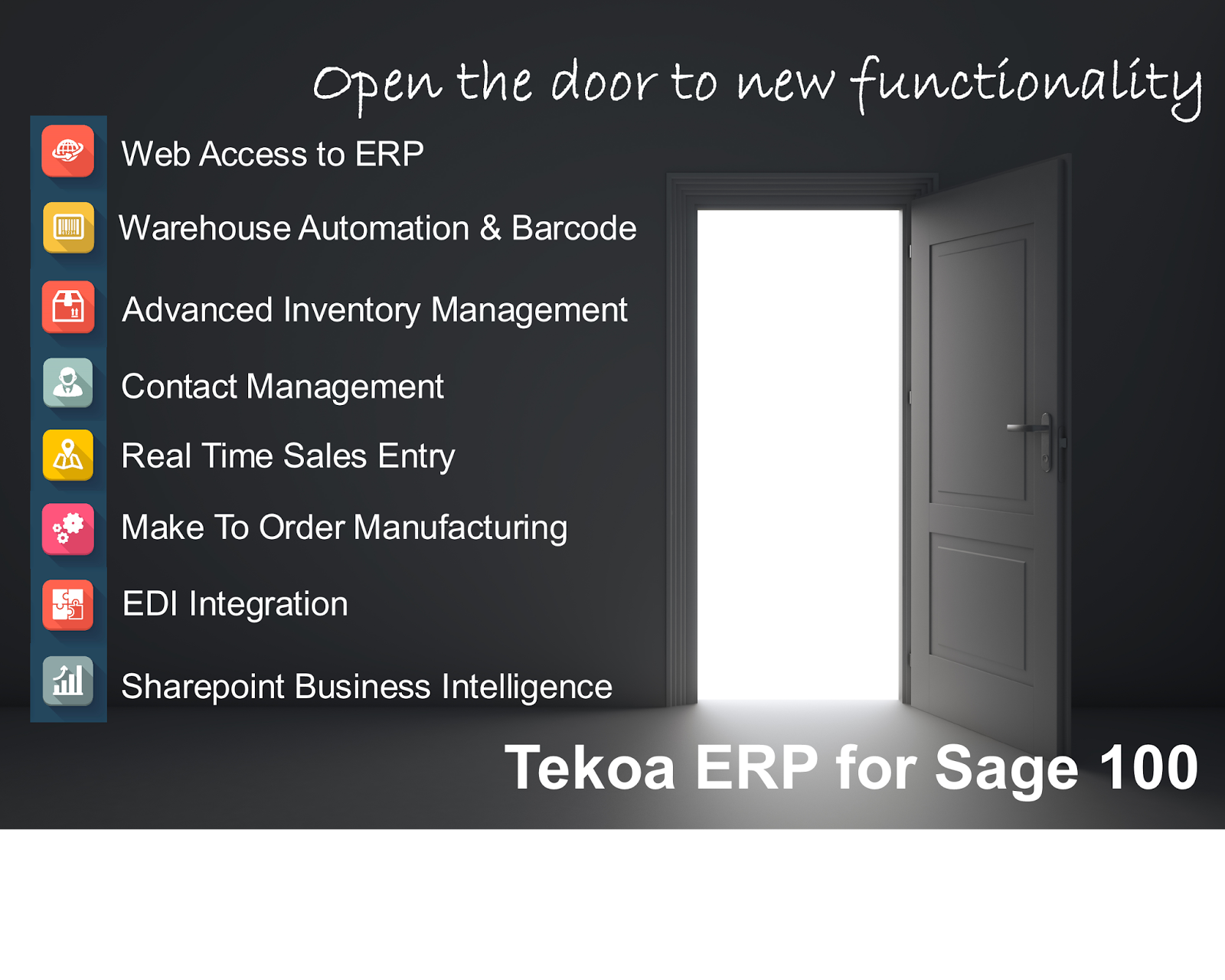
Here are some insights into how Sage ERP 100 MAS users can use Purchase Orders to track Bill of Materials Production.
Bill of Materials Production Entry in Sage 100 allows users to turn raw materials into finished goods with a simple and straight forward process. Enter in a finished good bill, post the transaction and the component items are removed from inventory and the finished good receipted into inventory. Simple and easy.
The problem lies in that it can then be difficult to track and schedule production of the finished goods inside MAS itself. Often times spreadsheets or manual lists are used to calculate the production needed and then to track how many finished goods are required to meet the production schedule.
Of course the Sage 100 Work Order Module is a full featured way of tracking production in detail. But what if you just want to submit a "production order" and then when production is completed, update that production order to reflect the quantity produced.
Well, Tekoa Software has come up with an integration tool to help manufacturers track production orders using the Purchase Order module in Sage 100.
Using this new integration tool, Tekoa Software enables users to identify Production Purchase Orders that will be modified automatically when a Bill of Materials production entry is completed. Simply enter in a MAS Purchase Order and identify it as a Production Order. Then when Production is posted, the Production Purchase Order will be automatically updated to reflect the quantity that has been manufactured. To prevent double receipts, the Tekoa Integrator does not post receipts to the PO, rather maintains a simple amount if production that can then be used to help with the essential scheduling of production. Tekoa Integrator will also email key users alerting them that a production order has been updated, adding the ability to monitor your Production POs and schedule.
Gain this simple and easy to use functionality - without any custom programming. No customization to MAS itself that would prevent upgrades or other enhancements. Tekoas solutions employ the latest in application technology and do not require MAS to be modified to perform the task.
So if your enterprise needs a simple way of entering Production Orders using Purchase Orders, this new tool from Tekoa Software can help streamline your business processes. For more information about Tekoa Integrator or Bill of Materials Production Purchase Orders for Sage 100, give Tekoa Software a call.
By: Allan Snodgrass
Technology Solutions Professional
Tekoa Software, Inc.
www.TekoaSoftware.com
Available link for download
Friday, March 17, 2017
Sage 100 Cloud Systems
Sage 100 Cloud Systems
Get More From The Sage Software You Already Own???
 |
| www.TekoaERP.com |
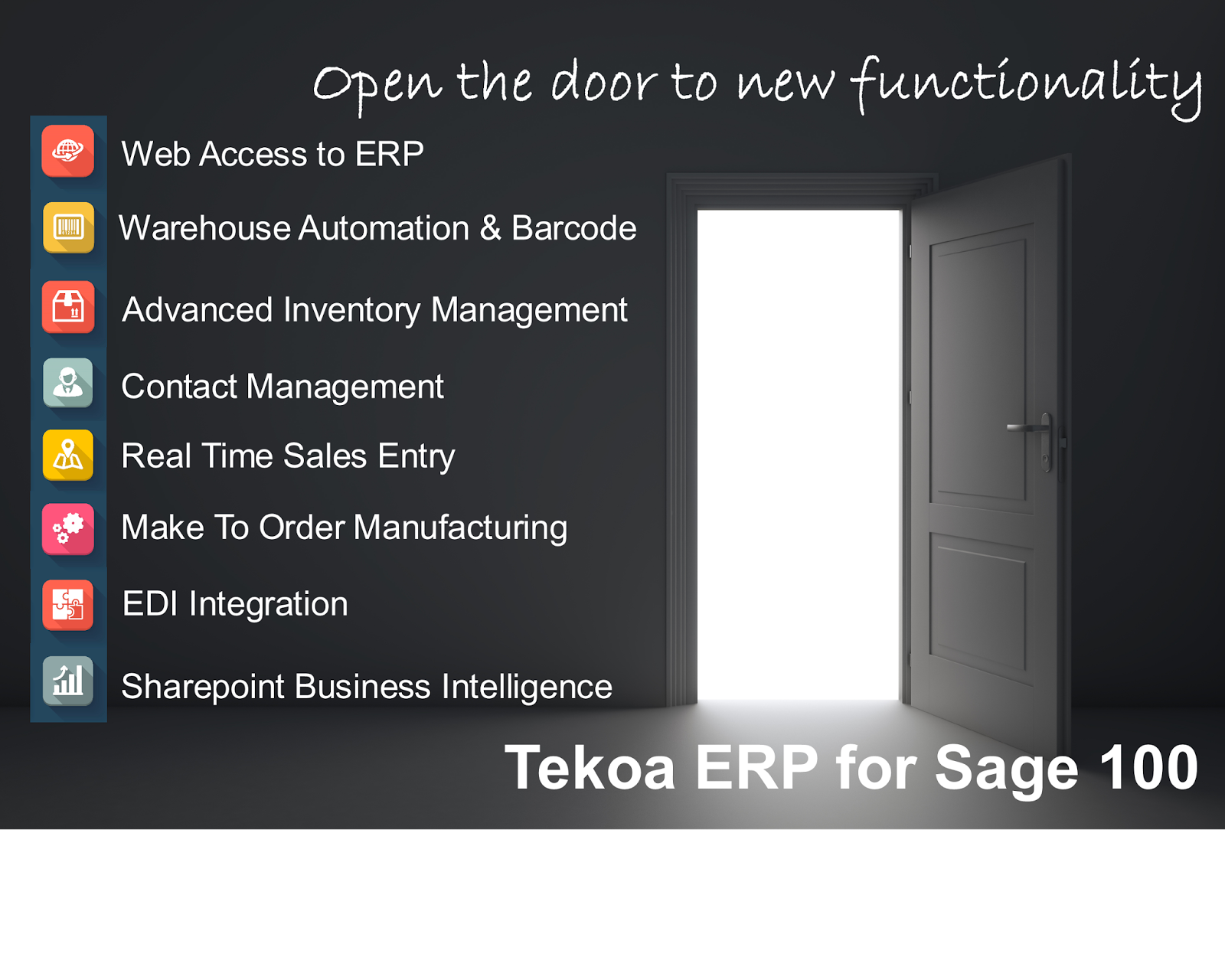
As the pundits opine about whether or not Cloud Technology is relevant to businesses using ERP applications like Sage 100 MAS90, many small and midsize businesses are moving into Cloud Services for Sage 100 MAS90 and are a step ahead of their competition in leveraging cloud technology for better overall business performance. You can argue about the semantics, but the reality is that companies that are moving in the direction of the cloud are experiencing more benefits and growth than the businesses that are staying behind. Here are some of the things that Sage 100 MAS90 users leveraging Cloud Technology are experiencing.
1. Growth Flexibility - Cloud for Sage 100 MAS90 means the technology that supports your operations can more easily contract and expand as resources are needed. In the Cloud for Sage 100 MAS90, the business is not confined by either the limitations of the in-house network or capital output necessary to add new resources. Scale up or scale down, easier.
2. Build Relationships - Cloud for Sage 100 MAS90 from providers like TekoaSoftware enable your organization to build data relationships with other organizations for the secure transfer of information, making operations more efficient and accurate. In days past, ERP experts would talk about the benefits of barcode solutions as a way to speed up operations and increase the accuracy of the data being input to Sage 100 MAS90. In the Cloud for MAS90 arena, this principle applies in a more global context where now Sage 100 MAS90 owners can automate the exchange of Sales Orders, Purchase Orders, Receipts, Shipments, Transfers, etc. with other people, systems or devices that communicate directly with Sage 100 MAS90 instead of having to manually manage and input that information to the ERP. The efficiencies and accuracy gained is a big competitive advantage to companies that employ the technology.
3. Better Productivity Tools - Let me tell you a secret, there are better and more powerful reporting, data inquiry and management tools that work with Sage 100 MAS90 out there that are cheaper than the official Sage branded solutions. In many cases, these tools are bigger and more well known than their Sage branded brethren. For example, Microsoft Reporting Services is a very powerful report and data inquiry tool that can work seamlessly with Sage 100 MAS90 and give your businesses best-in-class reporting and excel integration - for much less than the Sage branded solutions. Another one is mobile barcode scanning solutions. There are many very capable warehouse management solutions that work with Sage 100 MAS90 that are better and less expensive than the Sage branded solutions heavily marketed to the Sage end users.
The bottom line is the companies that are willing to be leaders in their industry have the opportunity now to get into Cloud technology for Sage 100 ERP MAS90 and leverage the benefits for more competitive advantage, efficiency and productivity. Are you a leader in your industry? Or a trend follower that gets perpetually duped by marketing campaigns?
Available link for download
Sage 100 Integration
Sage 100 Integration
Build Relationships between your business and your Customers, Suppliers.

TEKOA Software provides end-to-end enterprise solutions for todays cloud enabled enterprise. Discover the TEKOA difference with our innovative Enterprise solutions that supercharge your business.
Move your legacy ERP application safely and securely into the cloud with Tekoa ERP. TEKOA takes a simplified and cost effective approach to streamlining the expenses related to the maintenance and support of your ERP software. TEKOA delivers innovations in ERP Systems.
Sage 100 Integrated Web
Dynamically connect Sage100 to web sites for ecommerce, customer and salesperson portals.Sage 100 Integrated Mobile
Input Sage 100 Orders and Transactions using Mobile devices like phones and tablets.TEKOA Integrator connects the dots between your business and other businesses, systems and devices. Built from the ground up by TEKOA, our ERP Integrator gives todays enterprise the ability to trade information with other resources through sophisticated data relationships.
Ideal for linking your ERP with Web Sites, EDI, Portals, Mobile Devices or 3rd Party Applications, TEKOA Integrator moves secured data between your business and other data trading partners, giving your business the ability to streamline the updating of business management processes between systems. Some of the available integrations include:
- EDI Integration - Seamlessly communicate with EDI VANs or EDI Software to trade data back and forth with your ERP automatically.
- Customer Portals - Give your Customers the ability to manage their account, order product and submit payments through an integrated Portal from TEKOA.
- Salesperson Portals - Put the information in the hands of the people who need it, wherever they are. Seamlessly integrate your ERP with a Salesperson Portal to provide critical information to Sales Representatives in the field
- Order Integration - Instead of trading PDF documents back and forth via email with your Customers and Suppliers, automatically generate new orders, invoices, inventory transactions, and more, with automated data trading between your ERP system and other systems you define.
- Custom Mobile Inventory - Choose the warehouse management system that fits your business, then seamlessly integrate it with your ERP using TEKOA Integrator.
TEKOA provides innovative ERP System solutions using cloud technology to help you breathe easier when you leverage our direct expertise of ERP System Management.
TEKOA is expert in the plans, methods and tools aimed at modernizing, consolidating and coordinating the ERP applications in your business. With an eye toward transitioning business relationships into todays cloud enabled environment.
TEKOA is Enterprise Application Integration.
Available link for download
Wednesday, March 8, 2017
BYOD Mobile for Sage ERP 100 MAS
BYOD Mobile for Sage ERP 100 MAS
Mobile Computing Options for Sage ERP 100 MAS
By: Tekoa Software |
| www.TekoaERP.com |
Mobile computing has exploded into a mission critical element for todays enterprise. Mobile solutions are invading all areas of business including: marketing, eCom sales, warehouse automation and production tracking. But the big question is: how does mobile fit with my use of Sage 100 MAS as a business management application?
Well, there are a number of answers to that question. Lets take a look at some of the options and see if we can shed some light on how you can use mobile to enhance Sage ERP 100 MAS. We will also take a look at growing trends in Sage ERP 100 app development and how that effects mobile.
Mobile Warehouse Management Sage 100 MAS
There are many warehouse management systems available, and the endorsed solutions are not necessarily the best. Each one has its own take on making the business processes in your warehouse more accurate and efficient. Better inventory management is a central and important aspect of managing your business and a Warehouse Automation application helps provide the tools users need to process inventory tasks, quickly and accurately.One option in particular deserves your attention. The Advanced Features Bundle gives you inventory management and warehouse automation functions that go beyond the standard capabilities of Sage 100 ERP. Complete with barcode scanning and the ability to work on a wide variety of mobile devices, including iOS, Android and Windows mobile devices, The AFB for Sage 100 is a state of the art package of advanced enhancements for Sage 100.
Process inventory transactions, physical count, receiving and picking, and even production steps using mobile devices and track the details of your inventory management with a robust set of advanced features for Sage 100.
Mobile Production Tracking and Sage ERP 100 MAS
Businesses looking to implement production tracking mobile tools often are trying to balance the time users lose by entering the transactions, with the benefit the production data provides. If the steps required to input the data exceed the value of the data, or slow production too significantly, then the value of tracking production on mobile devices diminishes.Again, the Advanced Features Bundle for Sage 100 appears to have the right balance of easy data entry for production users and insightful data that contributes to better performance and reporting. Using almost any modern mobile device (yes those 5 year old devices you have probably wont work) users can quickly and easily input production tracking information without slowing down the process. Track production costs by Sage 100 Sales Order and know the profitability by order. Automate routes for fast and easy tracking. For more information, check out the AFB for Sage 100 MAS at TekoaERP.com or click here.
Mobile Sales and Service for Sage ERP 100 MAS
Another Mobile solution for Sage 100 ERP available from Tekoa is the route sales and service module. With this innovative module, you can give salespersons the ability to inquire about inventory and customers and enter sales onsite at the customers location from a tablet, phone or mobile barcode scanner. Increase sales and improve customer service when sales and service reps in the field can inquire and input new sales from their mobile devices.Automatically email invoice receipts or print them out to Bluetooth printers, either way you can streamline the onsite sales process and have the information in Sage 100 MAS in real-time instead of delayed batch sync, as is common.
The Advanced Features Bundle for Sage 100 ERP MAS90 MAS200 is a cloud based, state of the art mobile solution for todays cloud enabled enterprise. It provides mobile functionality for a variety of Sage 100 functions on many different mobile devices from virtually anywhere.
Tekoa Software, Inc.
www.TekoaSoftware.com or call 888-811-2998.
Available link for download
Tuesday, March 7, 2017
How To Connect Sage 100 ERP to Excel
How To Connect Sage 100 ERP to Excel
Pull data directly from Sage 100 ERP into Microsoft Excel for business intelligence analysis without any 3rd Party Add-Ins.
By: Tekoa Software

Sage 100 ERP MAS90 MAS200 data can easily be pulled directly into Excel. Excel can perform this functionality without any third-party add-ins or tools. Use the Excel built-in data tools to pull live Sage 100 ERP data into a spreadsheet, then analyzed the data and write reports using Excel.
This allows you to use Excel to:
- Create Pivot Tables of Sage MAS data
- Quickly Filter and Sort Sage 100 data
- Easily Analyze data
- Build Excel Worksheets that reference live Sage 100 ERP data

2. Select ODBC DSN.

3. Select SOTAMAS90, which is the Sage 100 ERP ODBC driver name.

4. Login to Sage 100 using credentials that have access to the ODBC files you want.

5. Select any Sage 100 datafile name as the database you want.

6. Uncheck "Connect to a specific table:" and click Next.

7. Click Finish
8. The Select Table window should open. Select the Sage 100 table you want to pull into Excel.

9. At Import Data window, accept the defaults and click OK.

10. Your Sage 100 ERP data for the table you selected will appear inside Excel.

Use the data in the spreadsheet as a source for analysis and reports written on other Excel sheets.
To refresh the spreadsheet data, click the Refresh button on the Excel Data tab.

Couple tips... First, in older versions of Sage 100 MAS90 MAS200, the ODBC driver is 32-bit only. Which means this will only work if you are using a 32-bit version of Excel. In newer versions of Sage 100, there is a 64-bit ODBC driver that will work with a 64-bit Excel. Just keep in mind that if you have an older version of MAS, you will need a 32-bit version of Excel.
Second, using Microsoft Query, you can customize the query that Excel pulls in if you want to link Sage 100 tables together and get more interesting datasets.
Last, this method is great for bringing transaction history into Excel and then doing pivot tables and other detailed analysis on the data.
For more information about connecting Sage 100 to Excel, Web, SharePoint and SQL, contact Tekoa Software - ERP software for todays enterprise.
?
?
Available link for download
Sunday, February 19, 2017
How To Speed Up Invoice History in Sage ERP 100 MAS
How To Speed Up Invoice History in Sage ERP 100 MAS
How you can purge Accounts Receivable Invoice History in Sage ERP 100 MAS90 MAS200 and still be able to access to the data.
By: Kevin Conlin
Do you have large volumes of A/R History Invoices in your Sage ERP 100 files? Does the lookup cause delays for your MAS users? But you don’t want to lose the ability to be able to view and print history invoices.
Here’s what we’ve done at Tekoa Software to make this a reality.
The Accounts Receivable / Sales Order invoice history tables are updated nightly to an external SQL database [a non-MAS table] automatically [via a SQL script]. A Crystal Report has been designed along with parameter fields to select customer invoices to be viewed or printed from the SQL database. Older A/R invoice history can then be purged using the Account Receivable Utilities. This speeds up the lookup process for Invoice History Inquiry and allows users to print and email more recent invoices from the MAS interface.
For example, the external SQL database maintains a perpetual invoice history table, while within MAS we purge invoice history leaving only the most recent 2 years of data. For older invoices, they can be printed from either an option on the MAS task menu, or a simple user interface, retrieving the desired invoice from the external SQL history tables. The user interface is easily modified to add selection options by customer number, invoice number, and invoice date [or additional search fields].No changes or modifications to the Sage code, and access to needed history transactions with the speed and reliability of SQL. In addition, the Express versions of Microsoft SQL are free of charge and can perform this functionality without any additional software cost.
For more information about how to save MAS90 and MAS200 AR Invoice History in SQL and speed up MAS inquiries by purging, contact Tekoa today.
Author: Kevin Conlin
Sage ERP 100 Business Analyst and Software Consultant
www.TekoaSoftware.com
Available link for download
Saturday, February 4, 2017
Automated Sage ERP 100 MAS200 Reports
Automated Sage ERP 100 MAS200 Reports
Receive simple spreadsheets and report data from your Sage ERP 100 MAS90 MAS200 system every night via email or web using Tekoas innovative reporting service.
By: Allan Snodgrass |
| www.TekoaERP.com |
Tekoa Software announces a new way to make Sage 100 MAS90 and MAS200 report data available to mobile users on the go. Todays enterprise has mobile users like sales reps and service professionals that are always on the go and out in the field selling product and servicing customers. With Tekoas new mobile reporting service, you can receive data exports, spreadsheets and reports to your email inbox every night or on a regular schedule you define.
Mobile Spreadsheet Reports by Email.
Want yesterdays sales numbers emailed to you nightly so you can keep up to date on the progress of your sales efforts? Tekoa has the answer. Using the Tekoa service, you can define information you would like to receive via email and Tekoa will collect and deliver the information to your email inbox so you can have the information you need, where and when you need it.Web Reporting Services
Give outside users the ability to log in to a secured web portal and view important data related to customers, vendors and inventory. Share data easily from any location and increase the productivity of users outside your network. Using a unique and secured cloud service, Tekoa enables you to define specific reports and information you would like to distribute to key people, without exposing your on premises ERP software and network to the perils of the Internet. Using a state of the art integration service, Tekoa enables your enterprise to get information to the people who need it, when and where they need it.For more information about Tekoas unique cloud reporting services, visit www.TekoaSoftware.com or give us a call at 888-811-2998.
By: Allan Snodgrass
Technology Solutions Professional
www.TekoaSoftware.com
Available link for download
Monday, January 30, 2017
Sage 100 Integration System
Sage 100 Integration System
Easy Application Integration for Sage 100
Common uses of this tool include:
- Connect Sage 100 ERP to EDI data sources for EDI Automation.
- Connect Sage 100 ERP to 3rd Party applications for seamless data transfer.
- Connect Sage 100 ERP to websites and/or web browsers for ERP functionality online.
- Connect Sage 100 ERP to Mobile Device applications for Inventory and Production.
Tekoa has a history of providing top tier Sage 100 ERP Cloud Hosting Services for Sage 100 MAS90 MAS200 licensed users and includes business intelligence tools like advanced Microsoft Reporting Services, and Data Cache Manager so ERP users can better analyze ERP data and make informed business decisions.
The addition of the Integration Server service from Tekoa, makes them an attractive resource for todays enterprise looking to leverage Cloud technology benefits for their Sage 100 ERP systems.
Available link for download
Tuesday, January 24, 2017
Mobile Barcode Scanning With Surface RT and Sage ERP MAS
Mobile Barcode Scanning With Surface RT and Sage ERP MAS
Perform Mobile Warehouse Management functions with barcode scanning and a Microsoft Surface RT tablet.

by: Allan Snodgrass
In the consumer electronics world, you hear commentators opine about the death of the Windows RT tablet and how it has not made significant inroads to the highly competitive consumer tablet market. While that may or may not be true, todays enterprise faces an opportunity to leverage the capability of the RT as a warehouse and production floor management tool. Heres what I mean.
In the never ending battle to make business processes more efficient and drive down distribution and production costs, businesses look to ways of making their ERP software solutions more mobile. The thinking typically goes something like this: if we can track our data more efficiently on the floor, then we can shorten our order fulfillment cycles and track costs more accurately. If we can do that, then we are more competitive, have better insights into our data, and costs can be more easily evaluated and ideally lowered. Therefore, lets invest in a mobile solution that allows us to put our ERP or warehouse management application in the hands of the people on the floor and make it easy for them to input data. A very common scenario.
Before you run out and buy proprietary handheld barcode scanners for your ERP solution, let me make a suggestion. Surface RT with a Scanner. Heres how we have made it work.
- Purchase a Surface RT at about one-third the cost of a proprietary handheld barcode scanner device.
- If you want a stationary solution, mount the RT to a work center or forklift.
- If you want more mobility and durability, purchase a rugged cover shell case for the RT.
- Configure the RT to access your software.
- Use Microsoft Remote Desktop on the RT to open ERP applications like Sage ERP 100 MAS90 MAS200.
- Use the RT internet explorer browser if you want web based data entry and the Advanced Features Bundle for Sage 100 ERP from Tekoa.
- Arrange the Start of the RT to make accessing either Remote Desktop or the web form very easy and intuitive.
- Purchase inexpensive barcode scanners that have wireless capability. Less that $100 each. Plug the wireless transmitter into the RT USB port. Or if you want, purchase a wired barcode scanner for even less and plug the scanner cable into the RTs USB port.
- Done. For a few hundred dollars each, you have a very capable warehouse management mobile console complete with networking, users, printing, remote access, bar code reading, etc.
One thing to watch out for though is that the wireless barcode scanners sometimes conflict with wireless keyboards because similar technology is used. So if you get odd interference between the RT and the scanner, look for wireless peripherals near by that might be conflicting with the scanners wireless connection.
In the end, todays enterprise can use a Surface RT tablet and inexpensive barcode scanners to scan data into their ERP software or into a warehouse management system. For more information about a customizable Mobile solution using Surface RT tablets and Barcode Scanners, contact us at Tekoa Software.
By: Allan Snodgrass
www.TekoaSoftware.com
Available link for download
Saturday, January 21, 2017
Advanced Reporting for Sage 100
Advanced Reporting for Sage 100
Get more Business Insight from Sage 100
 |
| www.TekoaERP.com |
by: Tekoa Software
Quality ERP applications like Sage 100 ERP provide valuable insights into the daily operations of running todays enterprise. Analyzing that data is an important element to intelligent business decision making. Tekoa Data Cache Manager allows you to seamlessly sync Sage 100 ERP data into a state of the art cloud data management tool where you can perform advanced analysis of your Sage 100 data.
Using Tekoa Data Cache Manager for Sage 100, you can:
- Get more insight from the ERP software you already own.
- Perform advanced Inventory Analysis.
- Gain insights into Order Requirements
- Quickly process large and complex data sets without ODBC limitations.
For more information about implementing this unique and dynamic data management tool for Sage 100 ERP, visit us online at www.TekoaSoftware.com.
TEKOA is enterprise technology for Todays cloud enabled enterprise. Comprehensive accounting software ERP solutions and state of the art cloud infrastructure make TEKOA a one-stop Enterprise Systems Provider.
Available link for download
Subscribe to:
Posts (Atom)